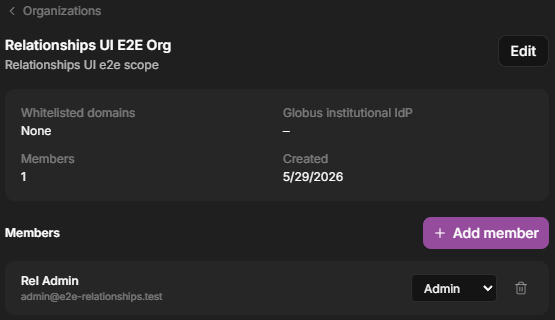
Added by an admin — an organization Admin adds members directly.
Institutional sign-in (Globus) — if your organization configures a Globus identity provider, people who sign in through that institutional identity join the organization automatically.
Email domain — an organization can allow specific email domains so people with matching addresses join automatically.
Signing in with Globus lets researchers use their existing institutional identity instead of a separate password.