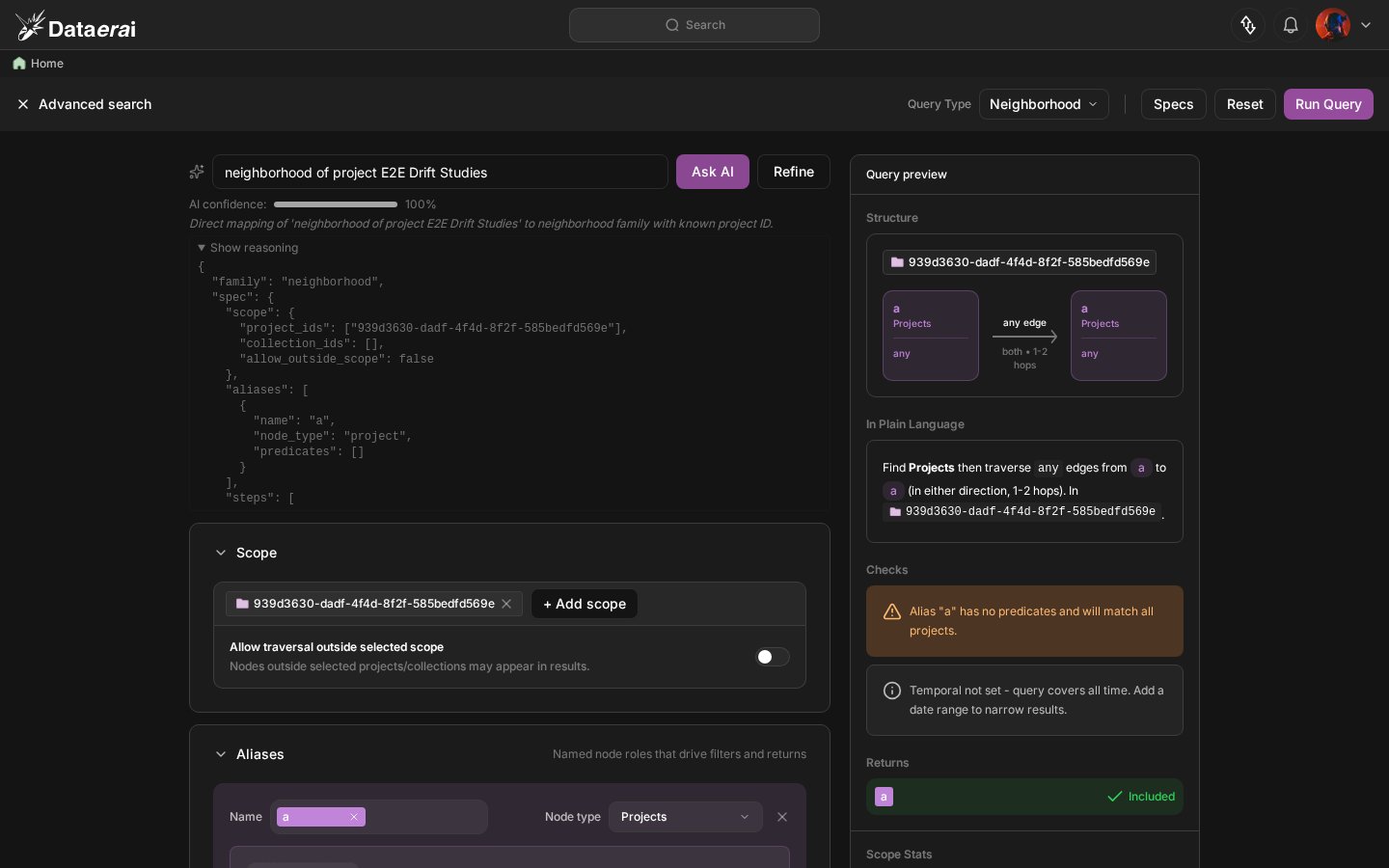
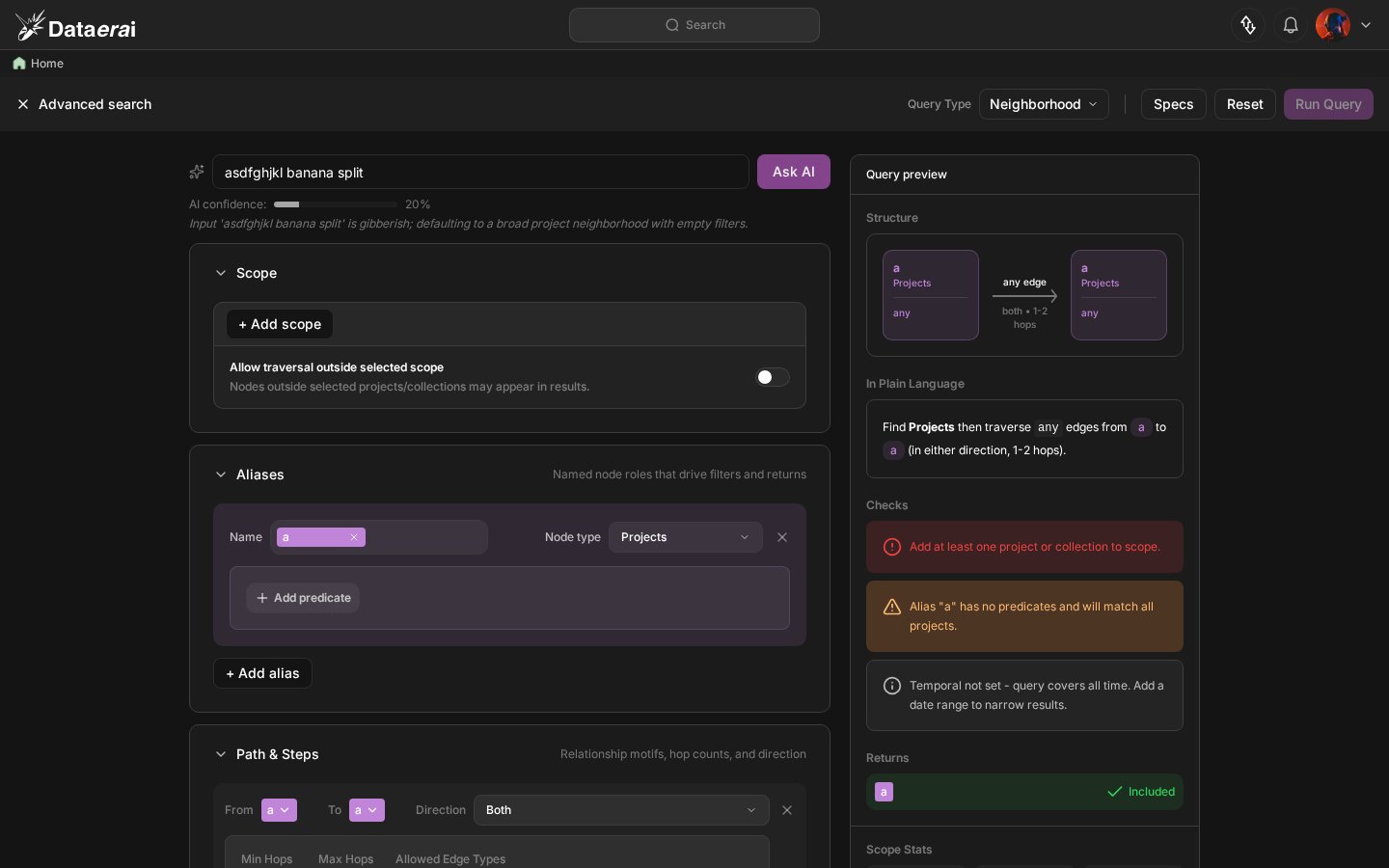
Describe what you’re looking for in plain English — DataErai plans an executable graph traversal and populates the Advanced Search form for you to inspect and refine.
The Ask AI bar at the top of Advanced Search lets you start from plain English instead of a blank form. Type a sentence — “show me records related to asset X”, “find datasets shared with my team”, “neighbors of this collection by share edges” — and DataErai’s planner fills in an executable graph traversal: scope, aliases, path steps, return options, and limits. You can inspect and tweak the form before running it.
Ask AI in Advanced Search is different from AI search in the global Search box. The global bar (see Search & discover) translates your question into a flat metadata filter — equal, contains, exists. Ask AI in Advanced Search pre-populates a graph traversal — paths, hops, edge types, returns. Same NL, different output shape. Use this one for relationship-shaped questions, the global one for attribute-shaped ones.
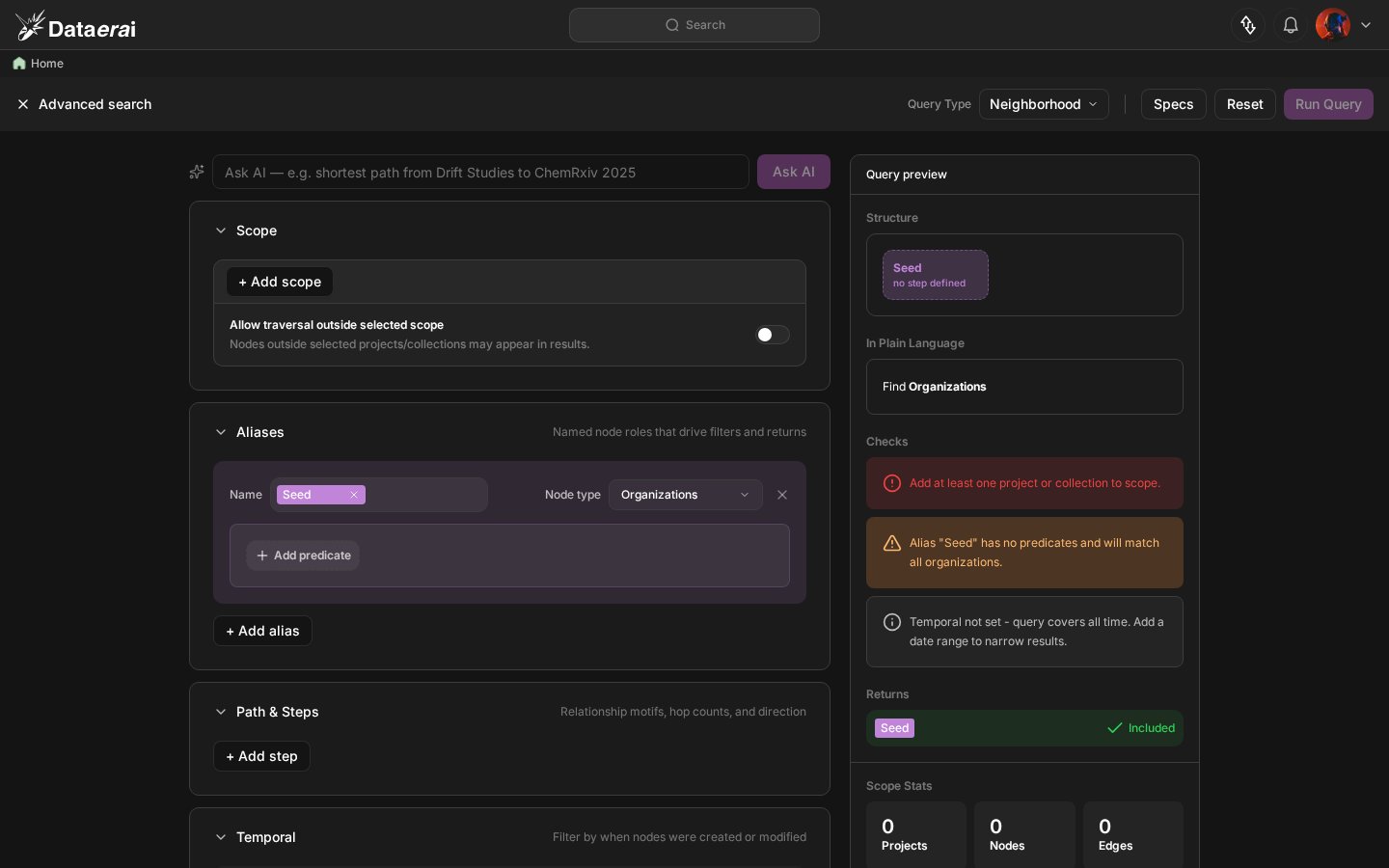
Click Advanced Search in the sidebar. The Ask AI bar sits at the top of the page, above the form.
The Ask AI bar at the top of Advanced Search. Type a natural-language request and press Enter.
2
Ask in plain English
Type what you want. The planner understands the graph-query vocabulary behind Advanced Search and currently emits an executable neighborhood-style traversal. It can approximate relationship-shaped requests with aliases, path steps, edge types, and limits. Press Enter to submit.Examples that work well:
“two-hop neighbors of this project by share edges”
“datasets connected to this collection, max 50 results”
“assets related to sample SP-12”
3
Watch the form populate
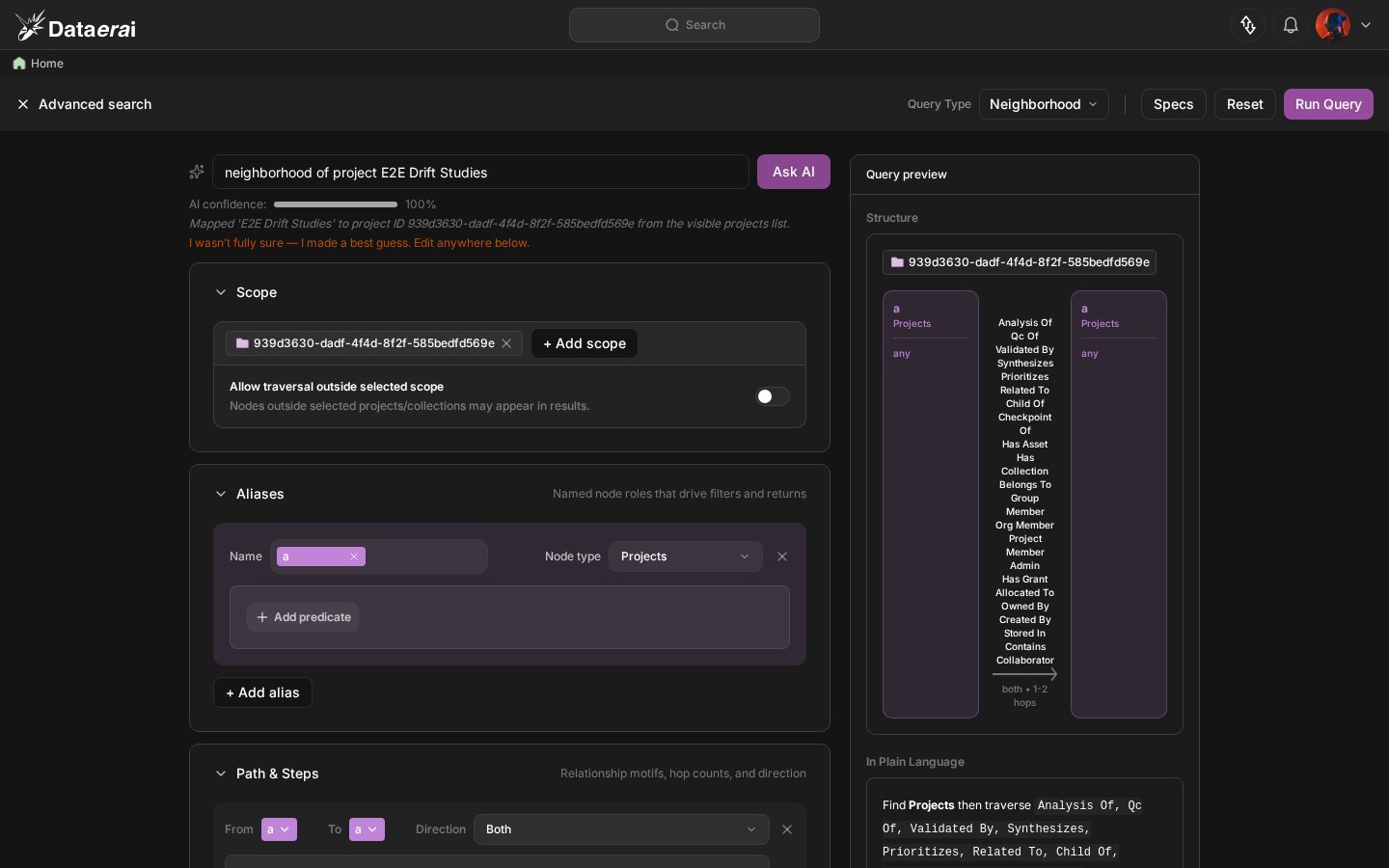
When the planner returns, the Advanced Search form fills in below the bar — scope, aliases, path steps, and return options all reflect the Spec the planner produced. You can immediately click Search or edit any field first.
After submitting an NL query, the form populates with the planner's Spec — scope, path step, edge types, and limits are all set automatically.
4
Refine your phrasing
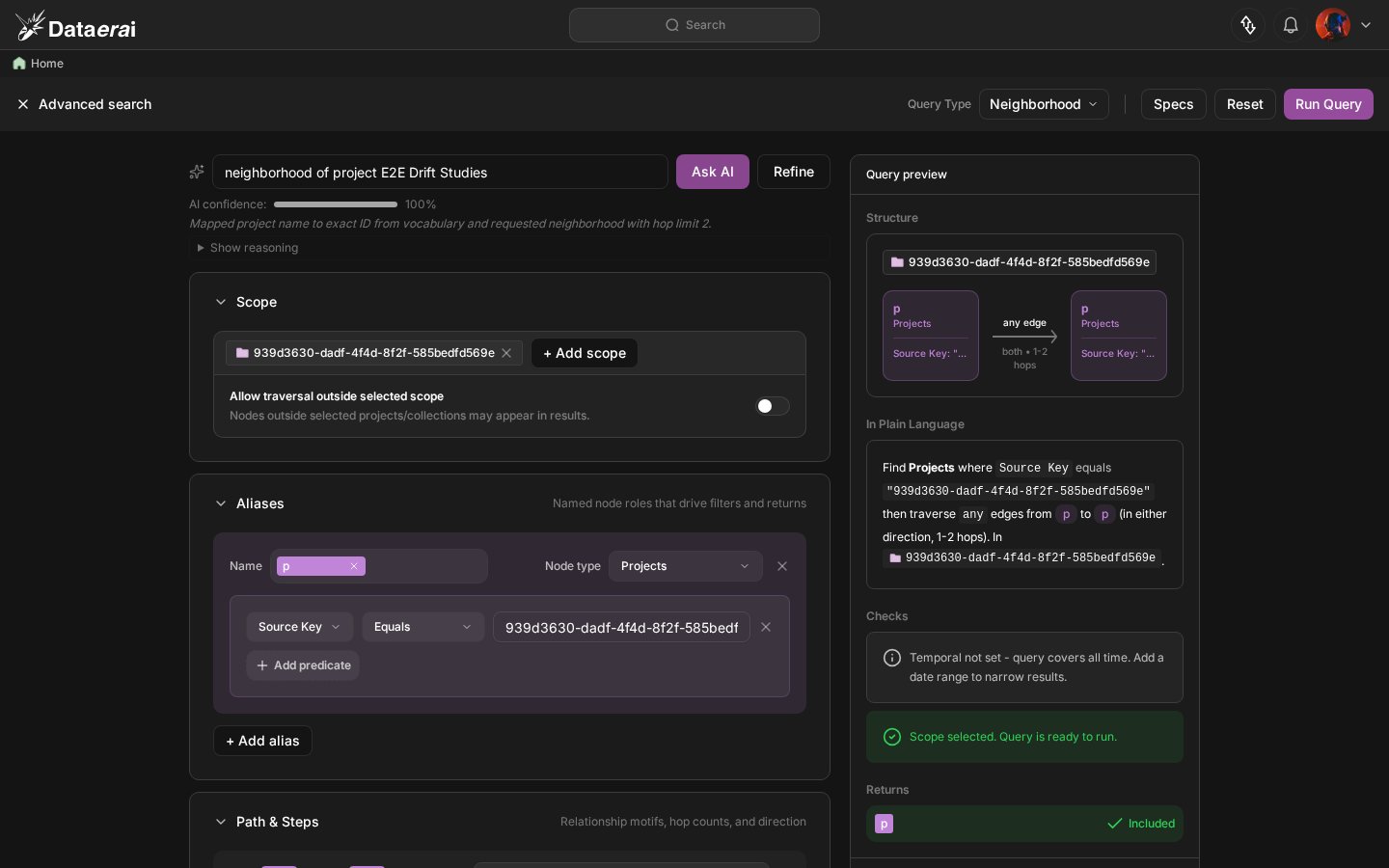
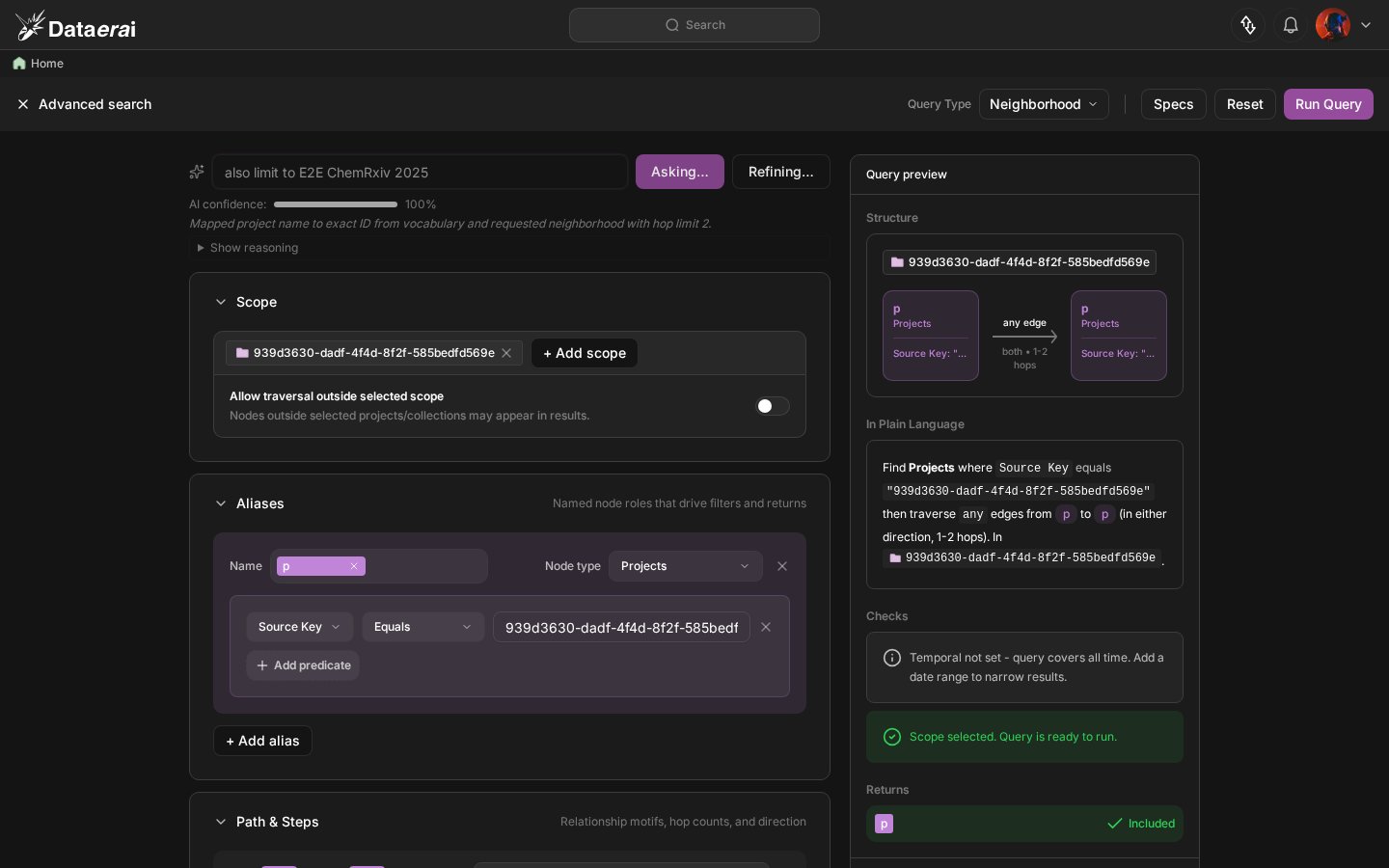
Not quite right? Click Refine next to the bar to re-run the planner with your edited NL while keeping the form’s current state as context. The Spec updates in place; fields you’d already touched stay touched.
Before Refine — the form holds the planner's first interpretation.
After Refine — the planner re-runs with the edited NL, the form updates in place.
5
See why the planner chose that Spec
Click Show reasoning to expand the explanation panel. The planner reports the confidence level and the raw model output it used before producing the form — useful when the result surprises you or you want to understand which words steered the traversal.
Show reasoning expands a panel with confidence and the raw planner output.
The planner is best at executable neighborhood traversal questions. For the cases below, it returns an approximation rather than a specialized graph family — rephrase instead of editing for too long:
Pure attribute filters — “PDFs over 10 MB” — better expressed via the global Search & discover.
Specialized graph algorithms — shortest path, lineage, aggregation, centrality, and community detection are recognized by the planner vocabulary, but the executable endpoint currently emits a neighborhood-style Spec so the search can run.
Open-ended exploration — “show me anything interesting” — the planner needs a concrete relationship or attribute to map to.
Concepts the form can’t express — e.g. natural-language content search across asset bodies — the form supports structured graph traversal and metadata filters, not freeform full-text rank.
The Ask AI bar appears in Advanced Search when your organization has opted in to AI features. If you don’t see the bar, ask an organization admin to enable it — see AI policy & access.