

The detail page is for people in your workspace. A result that’s only on
OpenAlex shows a preview with an Import action instead — import it first
to get the full detail page.
The header
At the top you’ll see the person’s name and, where known:- ORCID — links to their
orcid.orgprofile (only when the identifier is a valid ORCID; otherwise it’s shown as plain text). - OpenAlex — their OpenAlex author id.
- Affiliation — their primary institution.
- Research identifiers — Scopus, ResearcherID, Google Scholar, and PubMed author ids, when present.
- the source the record came via (e.g.
openalex), and a stub tag if the record is a lightweight placeholder.
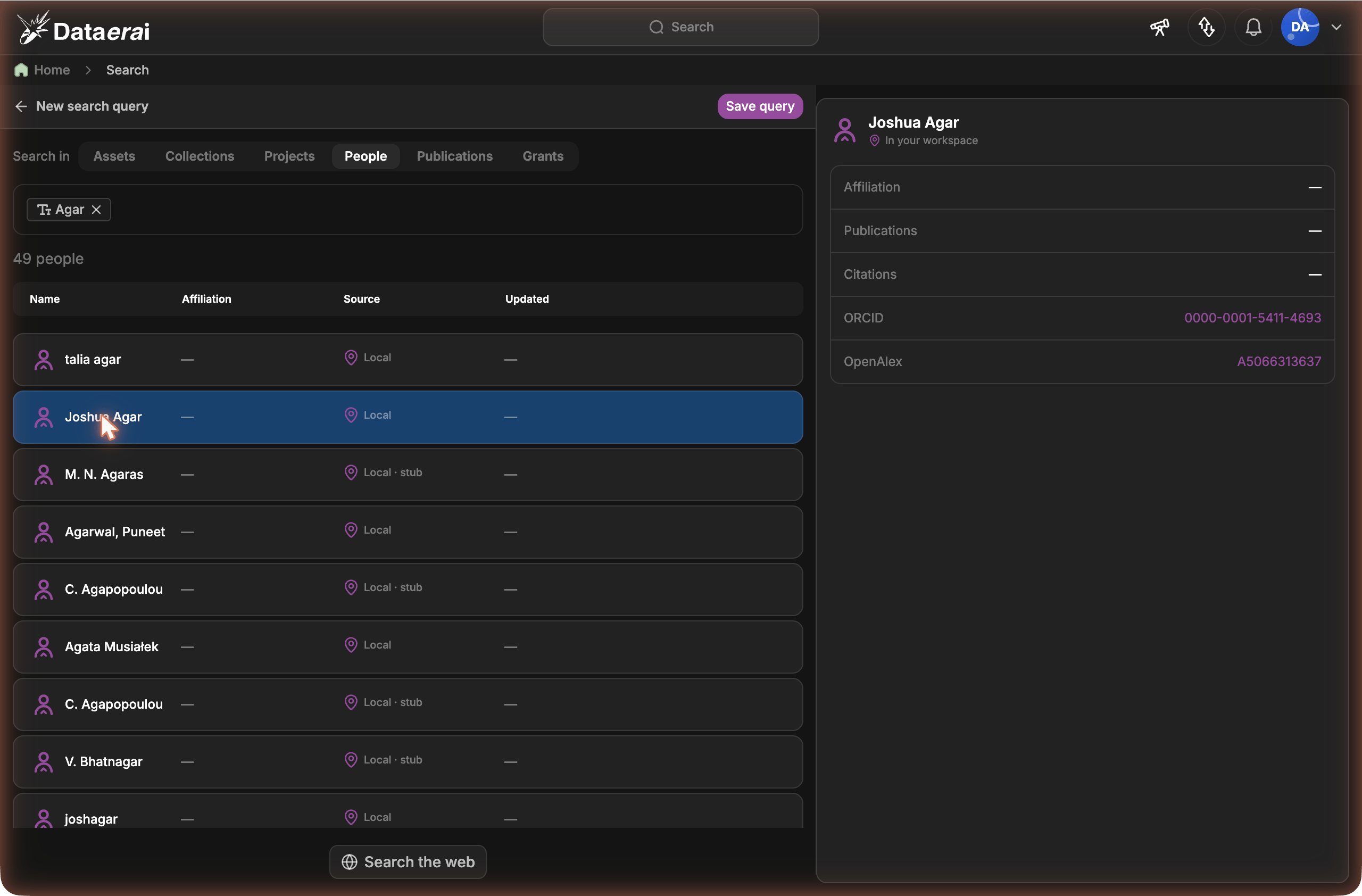
A person’s profile shows affiliation, ORCID and OpenAlex identifiers, and their publications and citations.
Edit your profile
When you open your own person page — your account is linked to one canonical person record — an Edit profile button appears next to your name. You can also jump straight here from the user menu (top-right) → Edit profile.1
Open the editor
Click Edit profile (on your page, or from the user menu). Your identity
header turns into a form.
2
Update your details
Edit any of Full name, Affiliation, ORCID iD, GitHub,
Phone, and your research identifiers — Scopus Author ID,
ResearcherID, Google Scholar ID, PubMed Author ID. Leave a field
blank to clear it.
3
Save
Click Save profile — your page updates immediately. Cancel discards
your changes.
Verified fields
When you connect an account under Settings → Identities & Credentials, Dataerai fills the matching profile field from that verified identity and shows a green Verified checkmark next to it:- ORCID → your ORCID iD
- GitHub → your GitHub username
Only you can edit your own profile. Your ORCID iD must be a valid ORCID
(for example
0000-0002-1825-0097), and an identifier already linked to
another person can’t be reused.Your email address is managed separately, under Profile in the user
menu, because changing it requires email verification. See
Your profile & account.
Publications
Every publication linked to the person. Each row shows the title, year, journal, citation count, impact factor (shown asIF), and an
OpenAlex link, with badges like Open access and First author.
1
Search
Type in Search publications… to filter the list by title.
2
Sort
Use the Sort dropdown — Year, Citations, Journal, or
Impact factor.
3
Page through results
Use Prev / Next to move between pages; the count reads
Showing X–Y of N.
Impact factor is the journal’s 2-year mean citedness from OpenAlex (the
open metric closest to a journal impact factor). A journal that hasn’t been
enriched yet shows no value and sorts to the end.
Grants
Grants the person is linked to — title, funding agency, amount, award period, and their role. Sort with the Sort dropdown by Year, Funding agency, or Amount, and page with Prev / Next.Co-authors
People they’ve published with. Each row links to that co-author’s own detail page and shows their affiliation and how many shared works you have in common (their collaboration frequency).- Search co-authors… filters by name.
- Sort by Collaboration (most shared works first) or Most recent.
- Prev / Next page through the list.