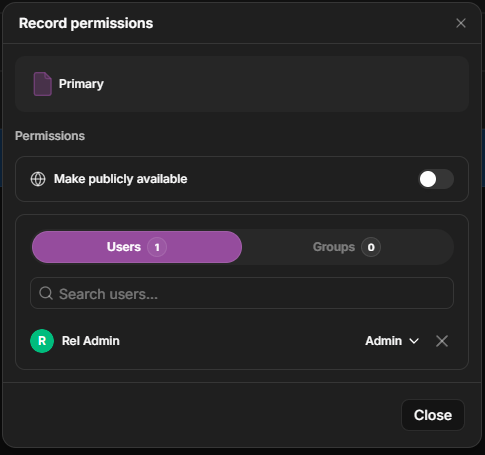
Open the object’s permissions, add a member of your organization, and choose Read, Write, or Admin. The person who creates an object is automatically its Admin, so they can manage sharing from the start.
1
Open permissions
For an asset, select it and click Permissions in the action bar. For a project or collection, open its Settings from the sidebar.
The action bar for a selected item — open Permissions.
2
Add a person and set their role
On the Users tab, add a member and choose Read, Write, or Admin.
The permissions dialog — switch between the Users and Groups tabs and set each grantee's role.
A group is a named set of members. Granting a role to a group gives everyone in it that access at once — and as people join or leave the group, their access updates automatically. Groups are the easiest way to manage access for a lab, a team, or a class.
Switch to the Groups tab in the permissions dialog to grant a role to a whole group.