

- Where your data lives.
- How records are grouped.
- Who can access them.
- How files move in and out.
Organization
Project
Collection
Asset
Dataset
Transfer
The hierarchy
Data nests from broad to specific: Organization → Project → Collection → Asset → Content An organization contains projects. A project contains collections. Collections hold assets, and an asset holds file content. Access usually flows down the hierarchy: a person who can read a project can read the collections and assets inside it, unless access is changed on a specific item.
Inside a project: collections and assets in the data list, with the selected item's details on the right.
Organizations and members
An organization is the top-level home for your institution, lab, or company. Every member of an organization has a role: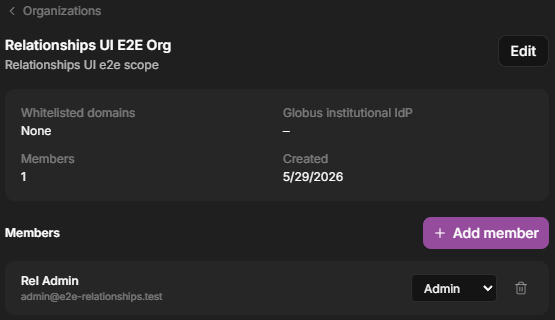
An organization in Settings — members and their roles.
Projects
A project is the primary workspace, typically one per study, grant, or effort. Within a project, members have a role:
The home view lists your projects.
Collections
A collection is a folder-like container that groups assets inside a project. Collections can nest, so you can organize data by experiment, instrument, sample, or date. See Collections.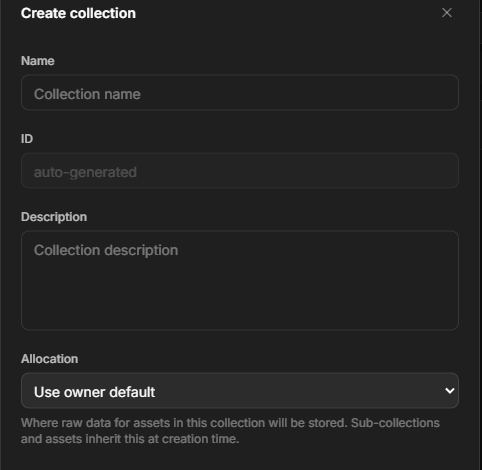
Creating a collection — name, description, and where its data is stored.
Assets and content
An asset is the core unit of data. It combines:- Metadata — title, description, tags, and structured fields (often extracted automatically from instrument files).
- Content — the actual file or files. An asset can exist before its content is uploaded, which is useful for metadata-first workflows.
- Notes — a Markdown note or README describing protocols, settings, and caveats.
- Relationships — links to other assets that capture provenance (which data produced which).
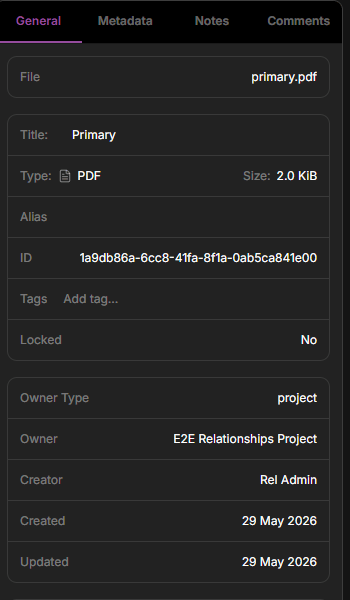
An asset's detail panel, with tabs for General, Metadata, Notes, and Comments. The General tab shows the asset's DID, tags, relationships, and a ready-to-copy citation.
Datasets and versions
A dataset is a curated, versioned view of data prepared for analysis. Each version is a snapshot. Dataerai can analyze it to infer structure, such as columns and types in a table, so it is ready to explore and visualize.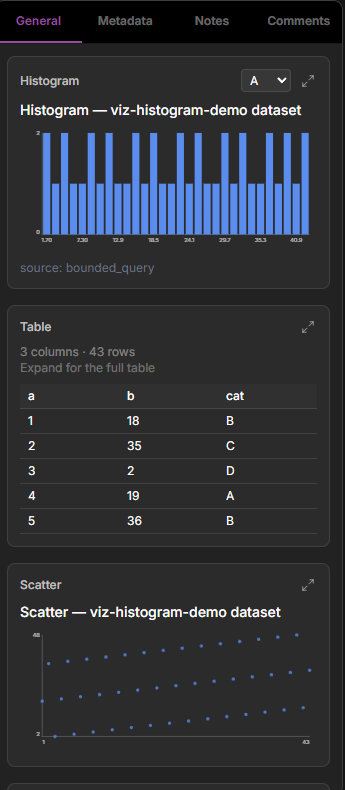
A ready dataset — Dataerai's automatic analysis: a histogram, a row preview, and a scatter chart.
Transfers
A transfer is an upload or download. Dataerai is built for large scientific files, so transfers can resume if interrupted. You can transfer in the browser, or with the desktop app and CLI.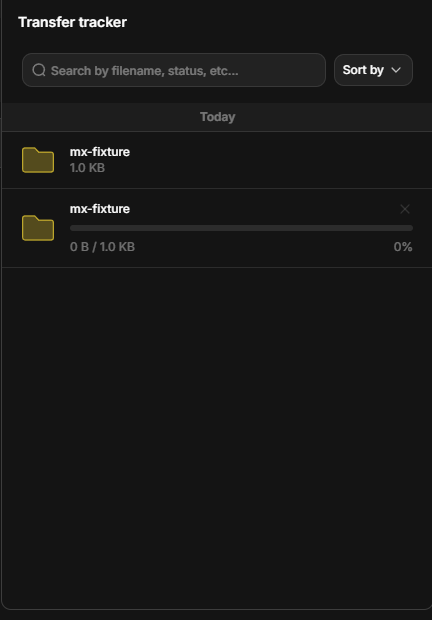
The Transfer tracker — live, day-grouped history of uploads and downloads.
Storage: repositories and allocations
Your data lives in a repository. Your team gets a storage allocation in that repository. Most of the time this is set up for you. You will mainly notice it when choosing where new data goes or checking usage. See Storage.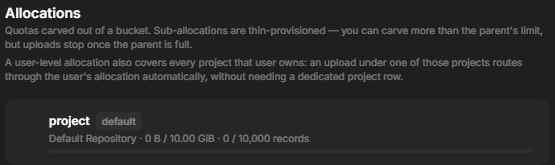
An allocation — its repository and usage against the space and record limits.
Groups and permissions
Access is controlled per object — project, collection, asset, or dataset — using three roles: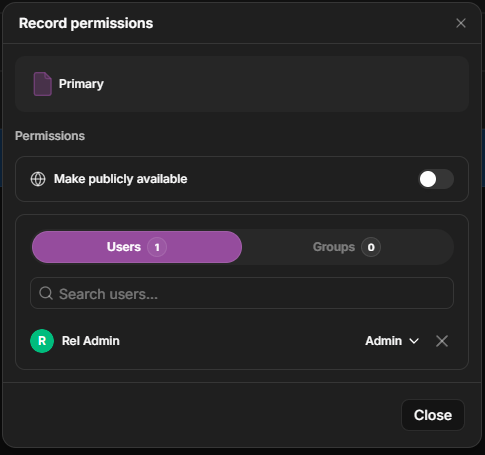
The permissions dialog — a public toggle, Users and Groups tabs, and a role per grantee.
Attribution
Dataerai connects your data to the research record. You can connect data to:- Grants that funded it.
- Publications it supports.
- People who contributed.